
How our control software improves the workflow and makes the machine easier to operate …
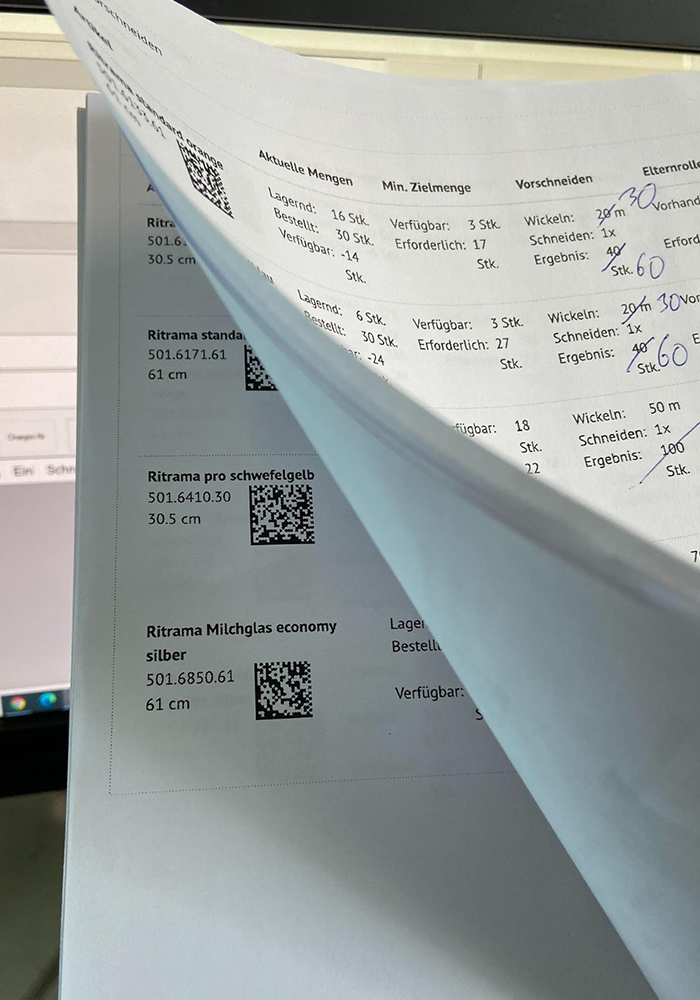
In the last instalment of our software series, we described how to compile an order list, for example by scanning barcodes on the delivery note or by automatically importing order data. Now we can start processing them.
Multi-stage order picking
The material from the first item on the list is retrieved from the warehouse, and the machine operator scans the label on this master roll. ConvertPlus2 displays a green marker if there are several jobs in the queue for this material and groups these jobs together – regardless of their original position in the list. This allows the orders to be processed one after the other, avoiding the need to return a roll to the warehouse only to have to fetch it again shortly afterwards for the second roll. This is the advantage of multi-stage picking: rather than processing one delivery note after another, several delivery notes are scanned or imported in parallel, and the order queue is processed in an optimised manner.
Batch numbers
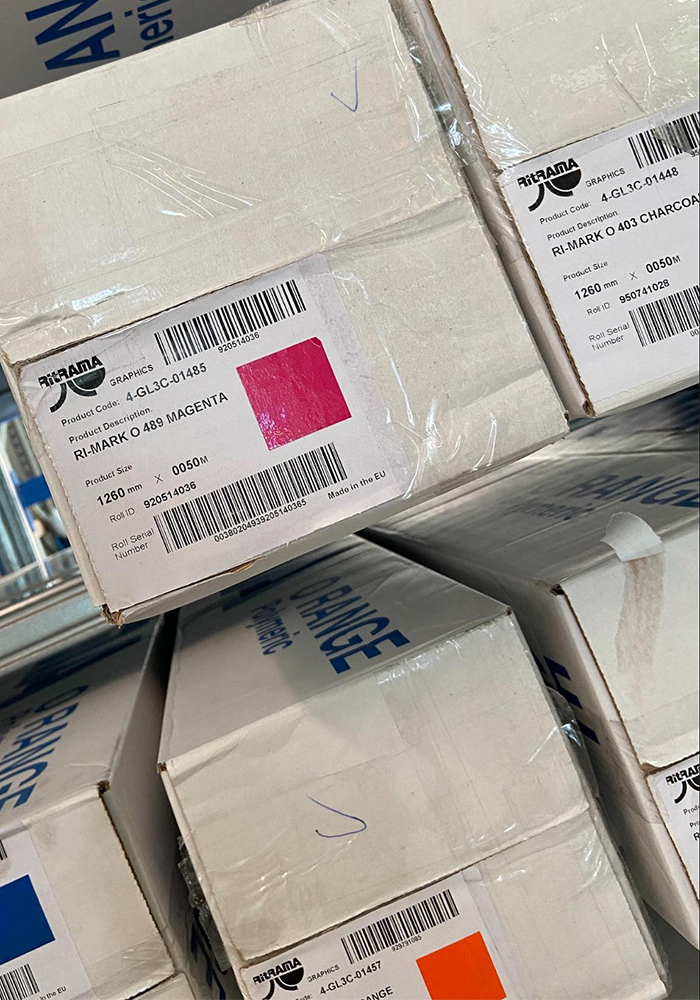
In ConvertPlus 2, a batch number can be entered for each roll either manually or by scanning. This is usually found on the manufacturer’s cartons. The screen for entering the batch number can also pop up automatically, so that the user cannot process the vinyl film at all without having entered the batch number. The batch number is included in the QR codes on all customer labels and all stock labels printed for this roll and, depending on the layout, is also printed in plain text. This means that the batch is always traceable and, in the event of a complaint, the customer can be asked which batch the roll comes from.
Further features for ease of use
The software interface includes further features that make it easier to operate the machine.
- In a pop-up window, you can very easily select one of the four winding directions available on the machine (forward to forward, forward to reverse, etc.).
- If required, a button can be used to deactivate the light barrier in the cross-cutting head of the rewinding machine. The light barrier is used to detect the front edge of the film during loading. With transparent material, the machine automatically detects that no light barrier signal is being received and uses a measuring wheel instead. In the case of media that are not uniformly transparent or opaque – for example, perforated vinyl films or printed transparent vinyl films – the machine’s logic is overwhelmed and the user must deactivate the light barrier manually.
- There is another button for situations where a medium cannot be fed into the machine via the standard process, e.g. in the case of very thin media such as window films. In such cases, the machine switches to manual mode. The user can then open the cross-cutting head and pull the vinyl film up by hand to the adhesive position on the cardboard core.
Find out more in this video (from 12:50)
https://www.youtube.com/watch?v=DbZMccRk_Ig