
Our control software helps you to automate your Film Logistics. There are various levels of integration with the ERP system.
All work in ConvertPlus2 is based on a product database, which is created from your ERP system or imported via an Excel list. This must include at least the item number and a product description, but can also contain significantly more data, which is available for processing in ConvertPlus2 and can ultimately be printed on the labels for the stock roll or the customer roll. We are very flexible when it comes to processing your data.
Level 1: Manual use of the software
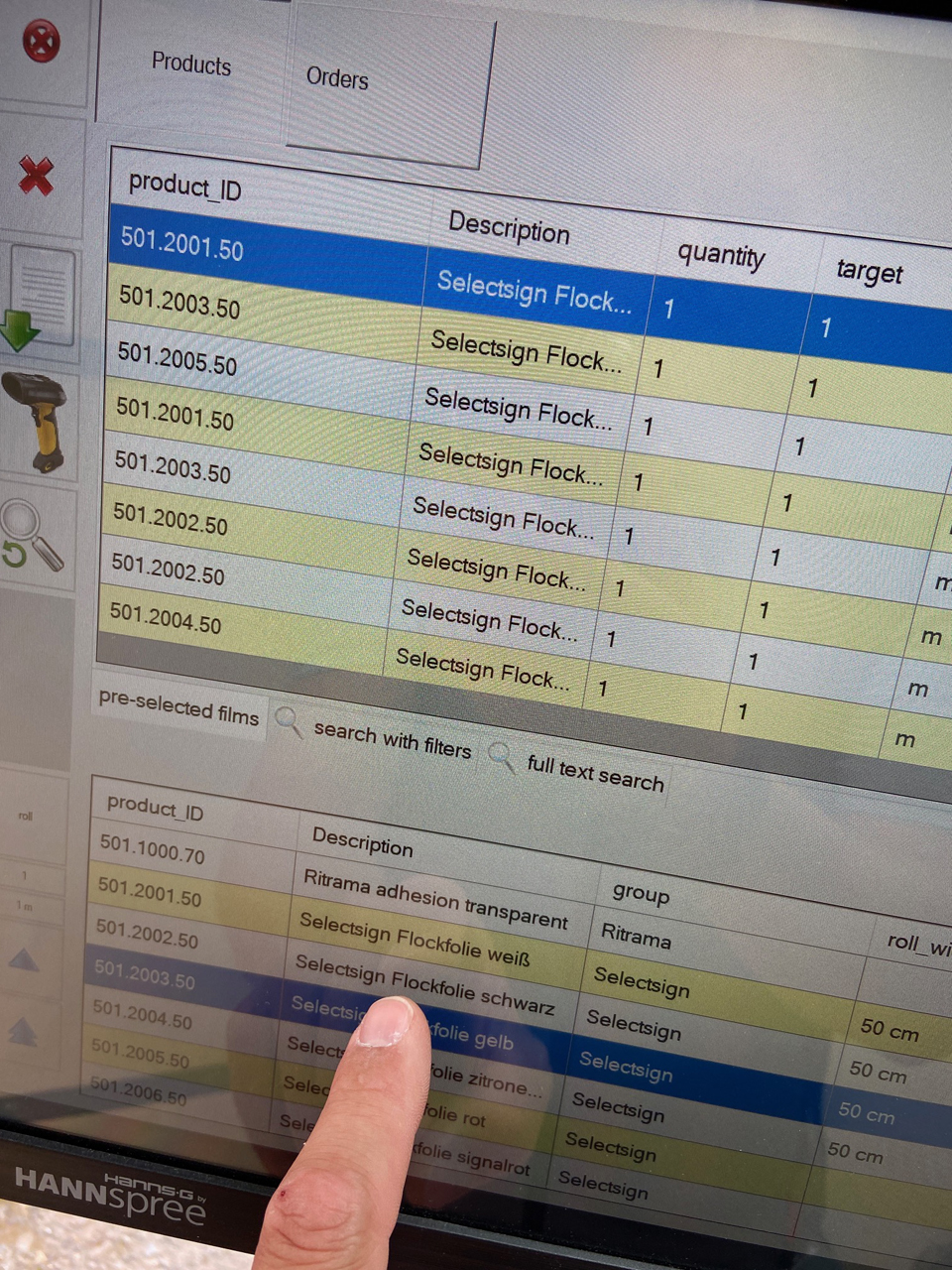
The operator at the machine selects an item by scrolling through the product list. Alternatively, they can use a full-text search, for example by item number. Double-clicking loads the item into the preview window for the production queue. The required length and quantity must then be entered here. Depending on which data has been imported from your ERP system into ConvertPlus2, you can also work with filter hierarchies, e.g. by manufacturer, film series or colour.
Level 2: Scan the delivery note
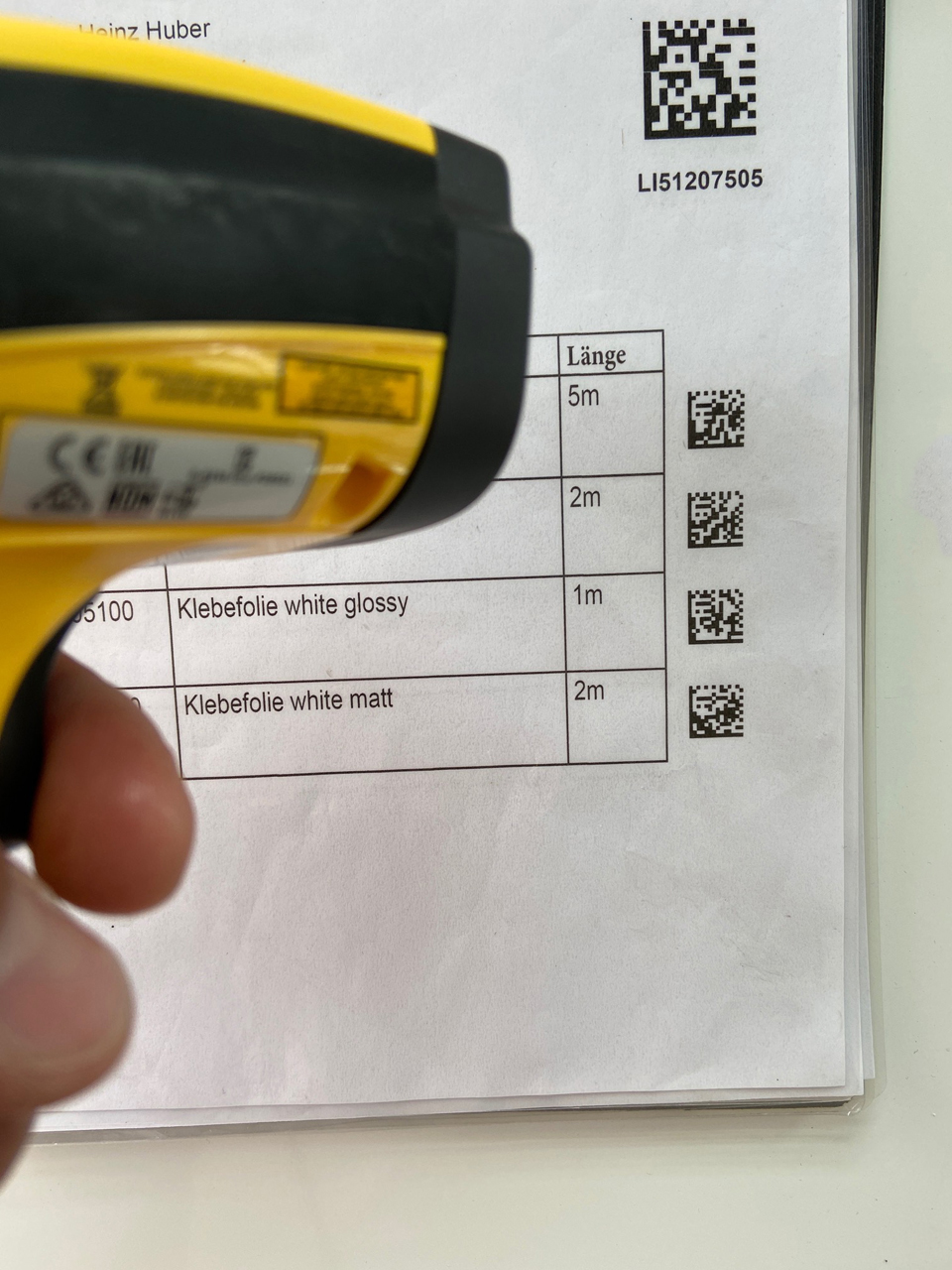
This type of integration is currently the most widespread amongst our customers. If a corresponding 1D or 2D barcode is printed on your delivery note from the ERP system, containing the item number and the target length of the vinyl film, this code can be scanned by the machine, thereby allowing the entire order to be read in with minimal risk of error.
Level 3: Automatic import
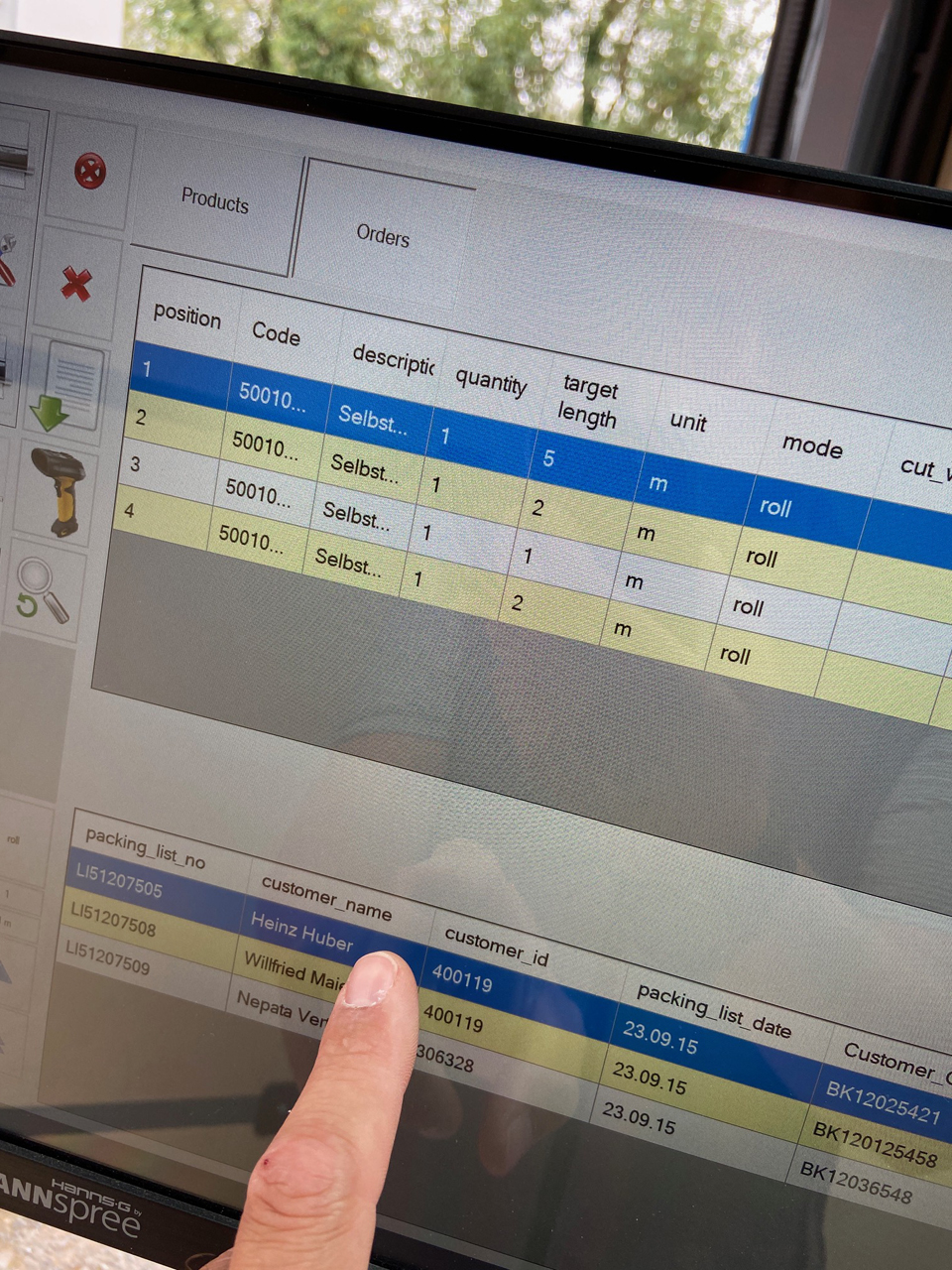
This level promises maximum productivity and error-free operation. An electronic delivery note is generated from your ERP system at the same time as a physical delivery note is printed. This is a text export file which is saved in a specific folder (‘hot folder’) on the network or on a drive to which the NEPATA machine’s PC has access. This electronic delivery note is automatically read by ConvertPlus2, and the orders appear in the delivery note preview within a few seconds. Items on the delivery note that are not vinyl films to be processed are filtered out by cross-referencing with the stored product database. We have a range of options for adapting the format of the electronic delivery note to suit your ERP system. Incidentally, Levels 2 and 3 allow you to combine multiple orders or delivery notes within the order queue.
Find out more in this video (from 2:40)
https://www.youtube.com/watch?v=DbZMccRk_Ig